Background studio
1Product photo
2Background
3Finish
Photos aren't stored.
Results
Your result appears here
How it works
How to use Background studio
- 01
Add a product photo
Any photo works, even on a messy desk. Keep the whole product in frame.
- 02
Pick a background
Pure white, a brand colour, a ready-made scene, or describe your own.
- 03
Choose the finish
Add a shadow or reflection, pick a shape, and generate.
Before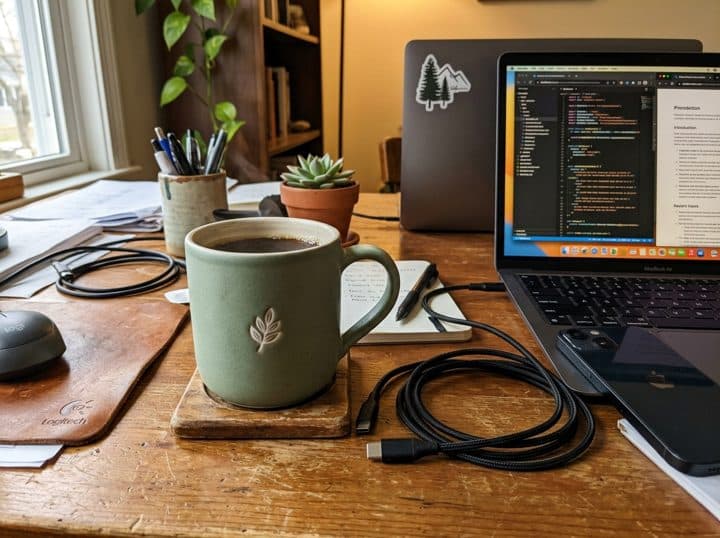
After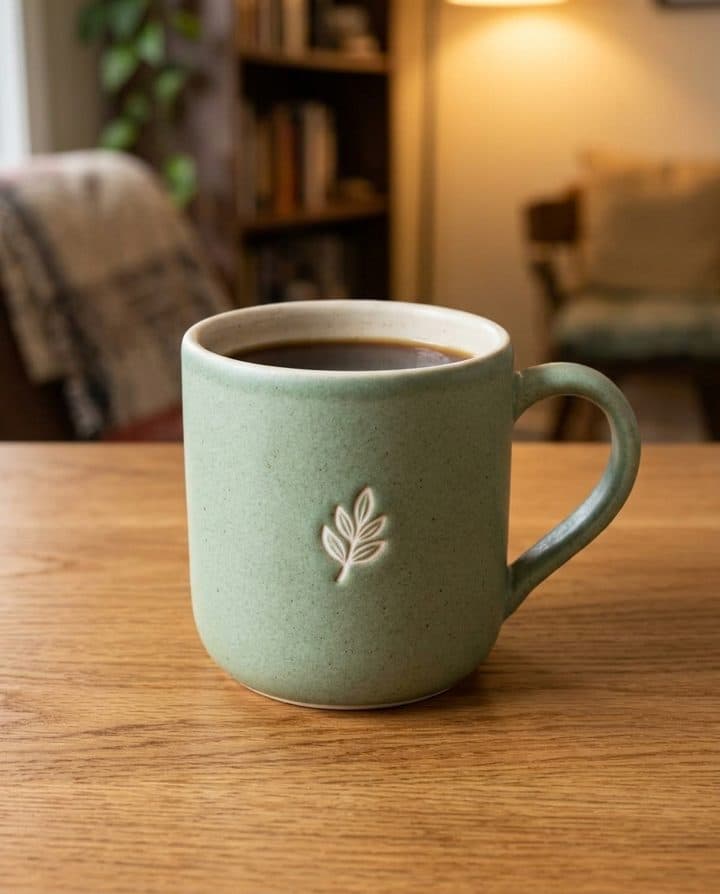
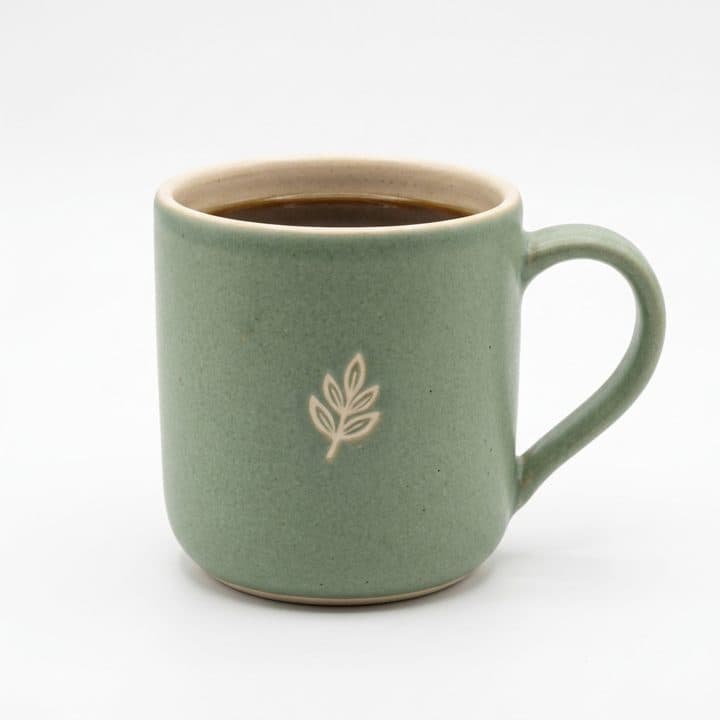
Tips for the best result
Small things that make a big difference.
- Pure white is what Amazon, Google Shopping and most marketplaces ask for.
- Scenes suit products that belong somewhere: a mug on a table, shoes outdoors.
- Try two or three backgrounds and keep the one that sells it best.
- Describing a scene? Name the surface, the light and the mood.